





The UMN-Duluth and UW-Madison Multipass offers students six one-way trips from Duluth and Madison to Minneapolis/St. Paul for the price of five—making it the most affordable and flexible way to travel home for weekends, breaks, or spontaneous getaways. Purchasing your Multipass and booking rides with Jefferson Lines is simple and convenient. This guide will walk you through each step of the process.
Prefer to see it in action? Watch our quick tutorial video on Facebook for a visual guide to purchasing your ticket at Kirby Plaza and boarding your bus.

Select Multipass:
-
- Begin by selecting the Multipass (figure 1) option.
- Enter your origin (figure 2), destination (figure 3).
- Select the start date of the pass (figure 4).
Remember, the Multipass is valid for six one-way tickets that expire one year from the start date. - Click “Search” to view available passes (figure 5).

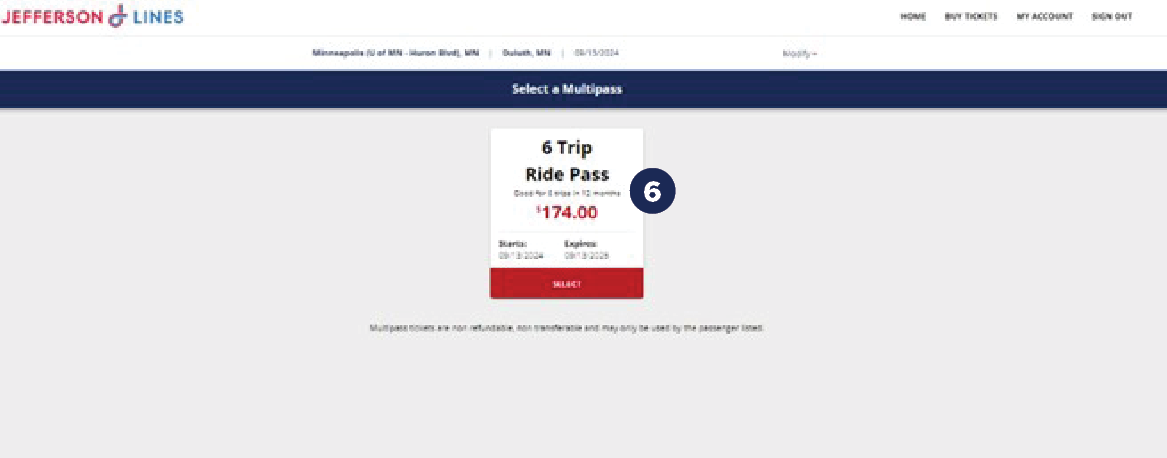
5. Choose the pass, review the terms and conditions, and check the box to agree (figure 6).
You will be prompted to log into your Jefferson Lines account. If you don’t have one, you will be able to create an account at this step.
Complete UMN-Duluth & UW-Madison Multipass Purchase:
-
- Login to your account.
- Select your payment method.
- Finalize the purchase of your Multipass.
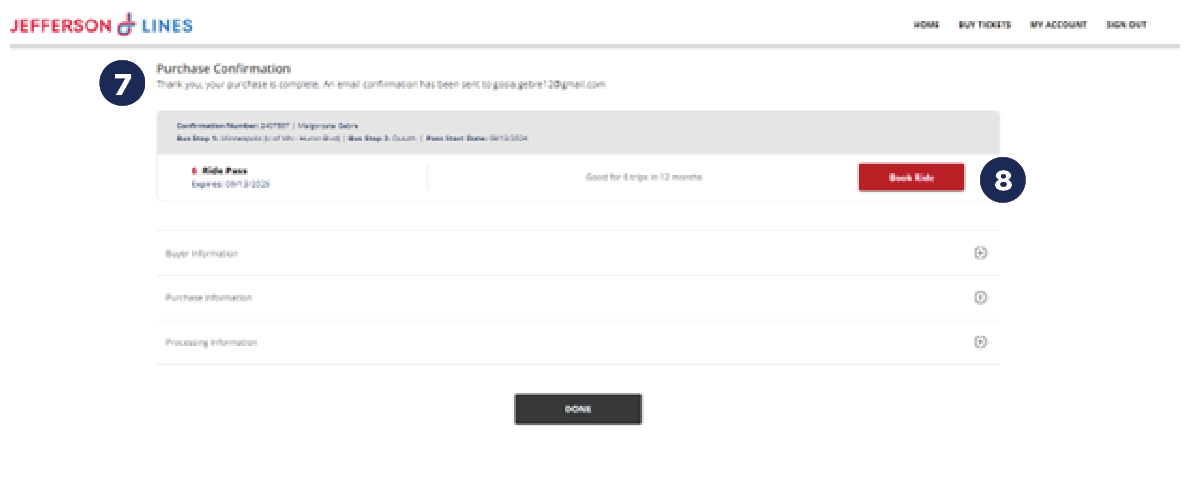
- Once complete, you’ll be directed to the confirmation page (figure 7) where you can view your Multipass details and book your ride (figure 8).
Book Your Ride:
-
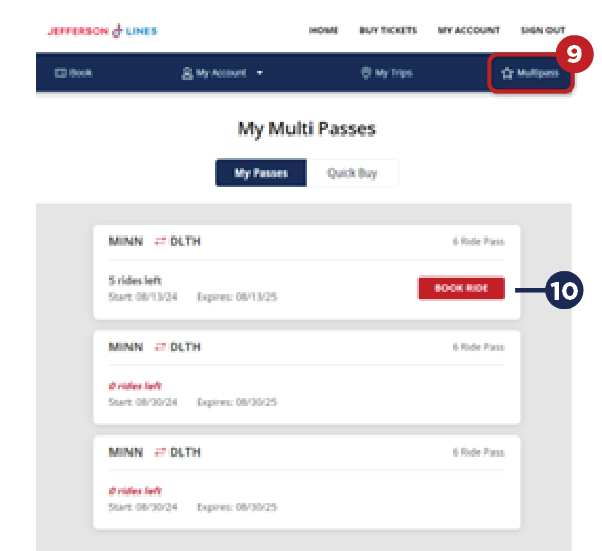
- When in your Jefferson Lines account select the “Multipass” option in your account to view your purchased passes (figure 9).
- Choose the “Book Ride” option next to the Multipass you want to use (Figure 10).
3. Select the origin (figure 11), destination (figure 12), and trip date (figure 13).
4. Click “Search” (figure 14).

5. From here you will select the one-way ride you want (figure 15).
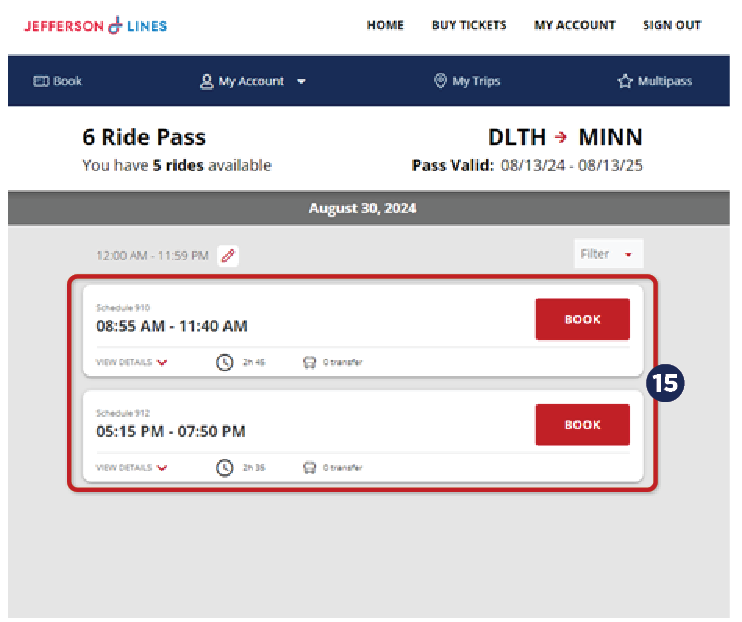
6. Confirm your booking by clicking “Book.”
7. Your reservation will be processed, and you can view your pass details (figure 16), including your boarding pass (figure 17) in your Jefferson Lines account.


 SIGN IN/MANAGE TRIPS
 Create Account
 Find Boarding Pass
 Bus Tracker